How do I submit biometric data for a Canadian visa?
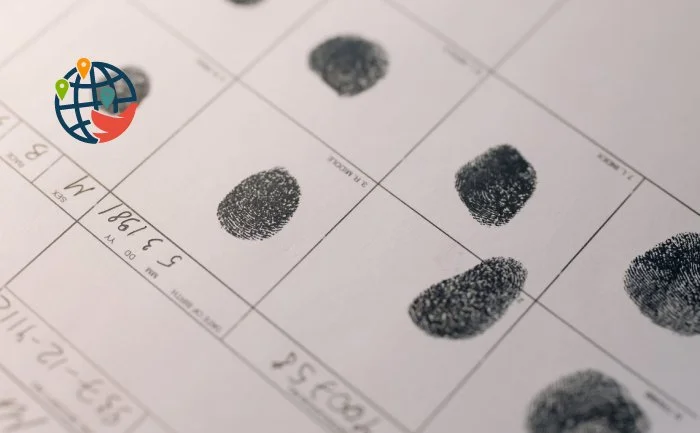
Step-by-step instructions.
To learn more about the Canadian-Ukrainian Emergency Travel Permit, see our dedicated article. To learn how to apply for a visa and fill out the application form, read a separate step-by-step instruction.
Step 1
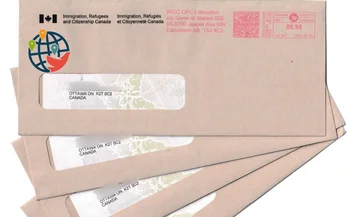
After you register your application on the Immigration, Refugees and Citizenship Canada (IRCC) website, you receive three letters:
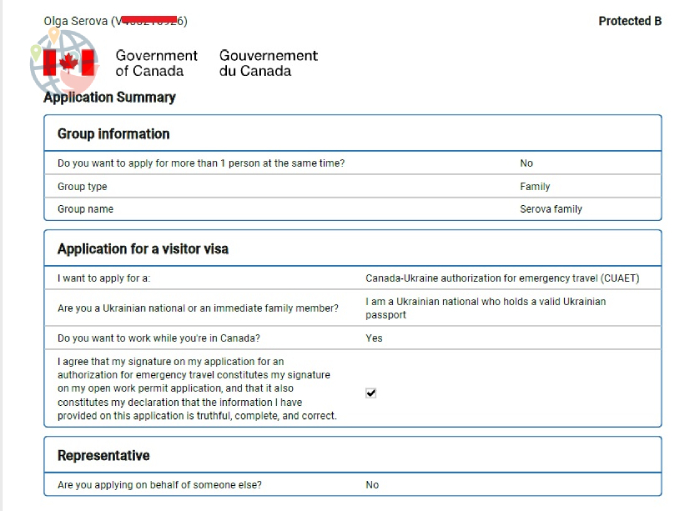
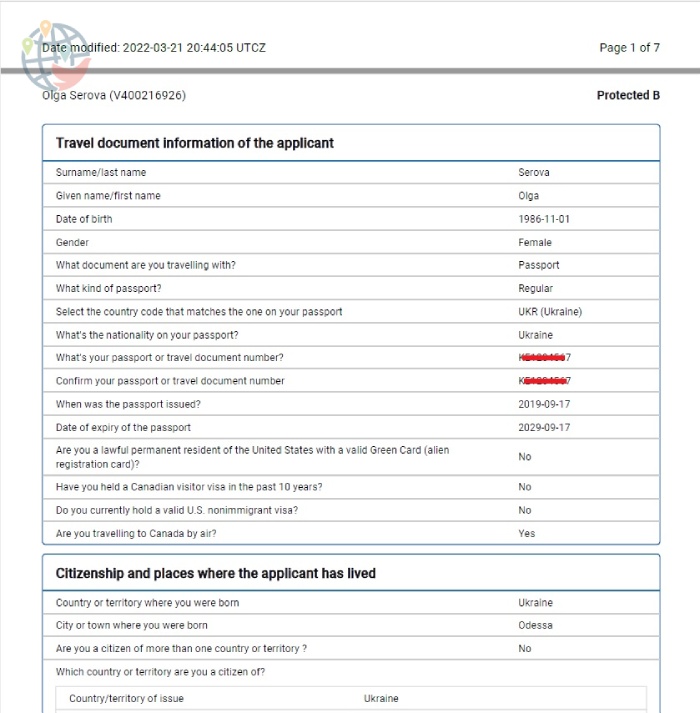
- a summary of the application (all the data you provided to the ministry);
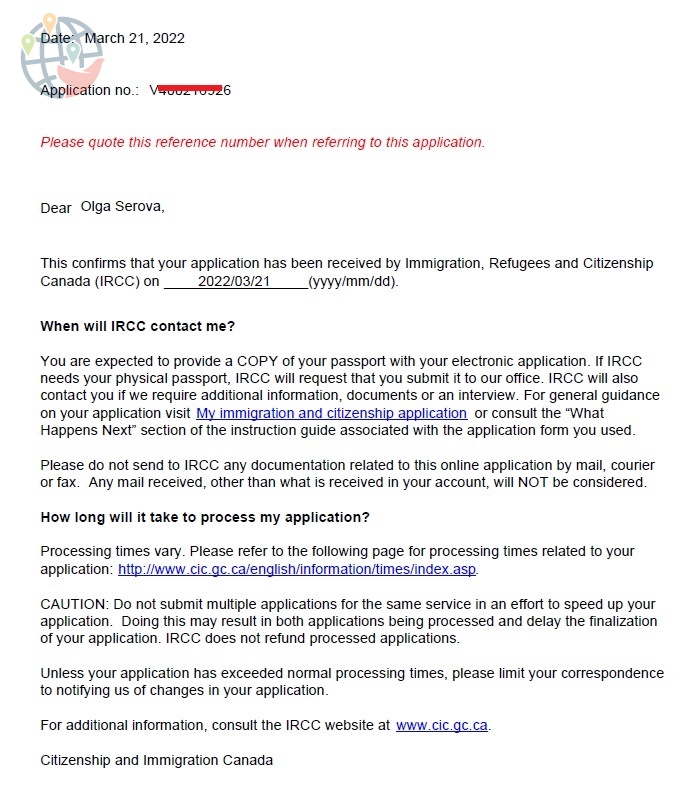
- a confirmation letter that contains the date and number of your application;
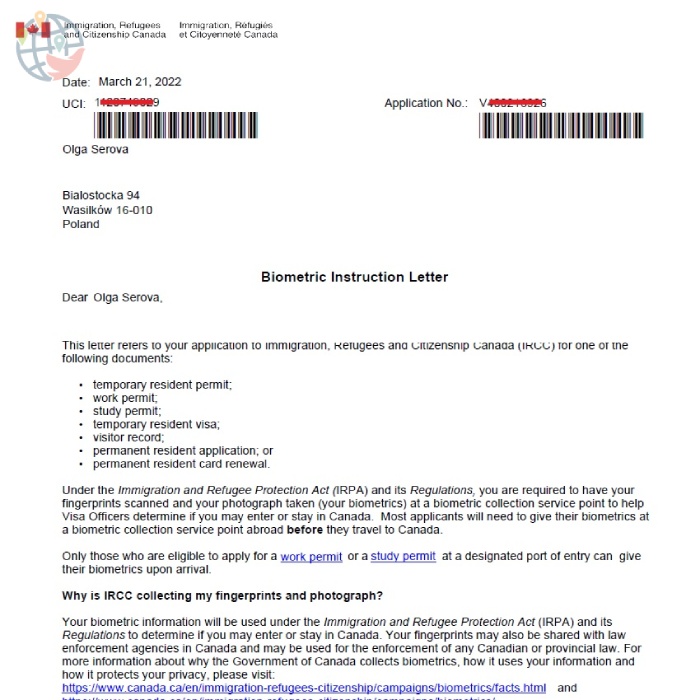
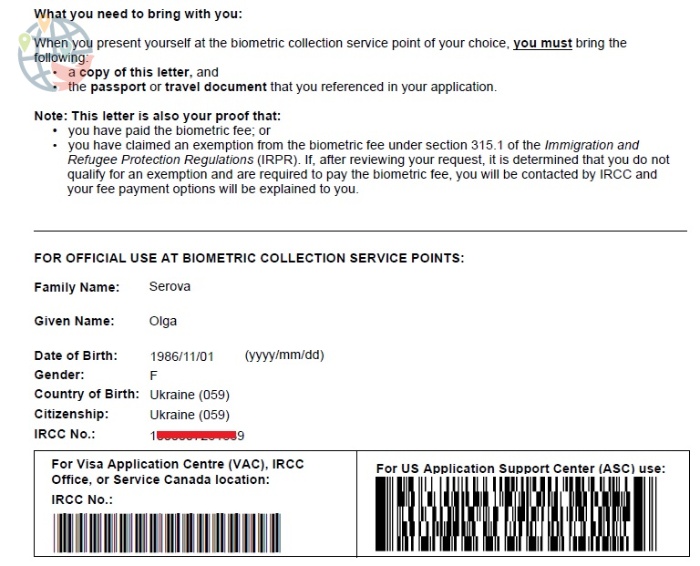
- referral for biometrics with barcodes.
Summary:
 Confirmation letter:
 Referral for biometrics:












If you have already submitted biometric data specifically for a Canadian visa, they are valid for ten years, you do not need to retake them.
If you have ever received a Canadian visa and can prove it, you don’t need to either.
On March 30, IRCC exempted children under the age of 17 and people over 60 from the mandatory submission of biometric data before entering Canada. They will have to be fingerprinted and photographed already in Canada.
Step 2
You register at a visa center that is convenient for you, choose a day and time that suits you. The requirement to submit biometric data within 30 days for Ukrainians has now been cancelled. To find where Canada visa centers are located in Europe, here.
If the centers closest to you are booked a month in advance, as in Warsaw and Düsseldorf, you can go to any other city. Now Ukrainians can travel for free all over Europe on trains in second class cars. It is enough to show your passport at the ticket office and you will be given a free ticket.
Step 3
You print out the three letters you receive and take them to the visa center at the appointed time. At the center you get a coupon and go through the biometric data submission procedure in a live line.
First you fill out and sign a biometric consent. Then your information is entered into the database. You are fingerprinted — your hands are scanned with a small device. Then you will be photographed. A barcode is affixed to your passport.
Step 4
You are waiting for the ministry to issue you a visa. It should appear in your personal account on the IRCC portal in two to three days. When you receive this letter, you also print it out and go to the visa center to hand over your passport, already without an appointment. But requirements may differ in different visa centers, so check this point when submitting biometric data. If it is inconvenient for you to visit the visa center again, you can also pay a courier there to bring your passport and visa.